
TL;DR: Before paying for a Business Manager, confirm its verification status, age, ad account count and current spending limits, check that no assets are already restricted, and get the warranty terms in writing.
Most bad purchases fail on one of those six points, and every one of them can be checked before money moves.
A Business Manager looks the same from the outside whether it is five years old with a clean record or built last Tuesday.
That is the whole problem. The things that decide whether it survives your first month are not visible in a product listing.
This checklist is what we would ask if we were buying from someone else.
1. Verification Status, and What Kind
“Verified” is used loosely. Ask which verification the seller means.
- Business verification. Meta has confirmed a legal entity behind the Business Manager, with a business name, address, phone and domain.
- Two-factor on the admin profile. A security setting, not a trust signal about the business.
- A verified Page. A badge on a Page, unrelated to the Business Manager’s own standing.
Only the first one changes how Meta treats the portfolio. The other two get described as “verified” in listings surprisingly often.
Worth knowing before you pay a premium for it: verification is a stronger starting position, not protection. We cover why in why verified Business Managers still get restricted.
2. Age, and Whether It Was Active
Creation date is easy to state and easy to overvalue.
A Business Manager created three years ago and left untouched is not the same asset as one that has been running campaigns for three years.
Ask the second question: was it active, and doing what?
An honest seller will tell you if a Business Manager is aged but dormant. That is not a defect, it just means you are buying age rather than history, and you should pay accordingly.
The trade-off between the two is covered in aged vs new Business Manager.
3. Ad Account Count and Current Limits
These are two separate numbers, and buyers routinely conflate them.
- How many ad accounts exist inside the Business Manager right now.
- How many it is allowed to create, which is a separate ceiling Meta sets.
- What the daily spending limit is on each existing account.
A Business Manager with ten ad accounts all capped at a low daily limit is a different product from one with three accounts at no limit.
Spending ceiling matters more than account count for most buyers. Our guide to Business Manager spending limits explains how the ladder actually works.
4. Whether Anything Is Already Restricted
This is the check that saves the most money, and the one most buyers skip.
Ask the seller to confirm, in writing, that no ad account, Page or pixel inside the Business Manager currently carries a restriction or an open review.
A restricted asset inside an otherwise healthy portfolio is a problem you inherit on day one, and it is not always visible until you start using it.
Ask the same about history. A Business Manager that has been restricted and reinstated behaves differently from one that never was, and you deserve to know which you are buying.
5. Who Else Still Has Access
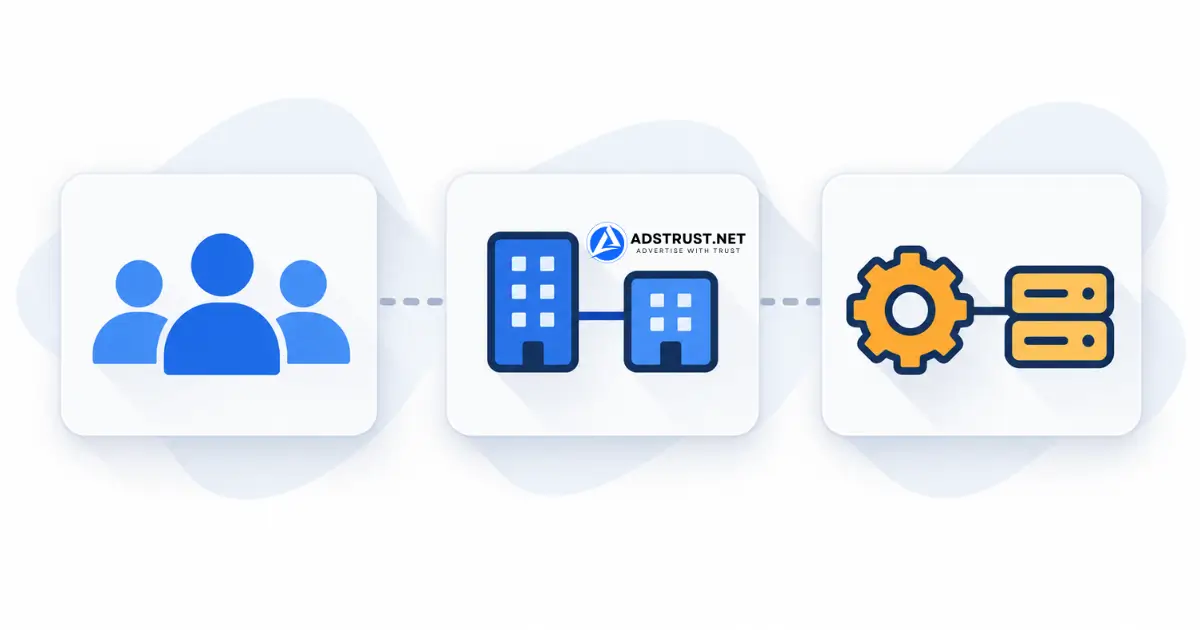
Ownership of a Business Manager is not a single switch. It is a list of people and partner businesses with roles.
Before you accept handover, check three lists:
- People, in Business Settings. Every admin and employee who is not you.
- Partners, which are other Business Managers holding access to your assets.
- System users, which are API connections that survive quietly after everyone else is removed.
The third one is the one people forget. A system user with admin rights keeps working long after the original owner is gone from the People list.
6. Warranty Terms, Before Payment
Get this in writing, specifically, before you send anything.
- What period is covered, counted from when.
- What counts as a valid claim, and what is excluded.
- Whether the remedy is replacement or refund. For digital assets, replacement is the normal practice.
- What evidence you need to provide.
“We will look after you” is not a warranty term. Neither is a verbal promise in a chat that gets deleted.
Our own terms differ by product type and are published on the warranty policy page. Business Managers are covered at the time of delivery and inspection, while verified tiers carry a longer window.
The Checklist in One Place
| Check | What a straight answer looks like |
|---|---|
| Verification | “Business verified, with entity details on file” rather than just “verified” |
| Age | A creation date, plus whether it was active or dormant |
| Ad accounts | How many exist, how many can be created, and the limit on each |
| Restrictions | A written confirmation that nothing is restricted or under review |
| Access | People, Partners and System users all cleared at handover |
| Warranty | Period, exclusions and remedy, in writing, before payment |
| Payment | A method you understand, with no pressure to rush |
A seller who answers all seven without hesitating is probably fine. One who deflects on restrictions or warranty is telling you something.
What Happens After You Buy
The checklist gets you a sound asset. It does not keep it sound.
Most Business Managers that fail in the first month fail because of what the new owner did in week one, not because of what they were.
Log in, change nothing for a few days, and read how to warm up a Business Manager properly before you attach payment and launch.
If you are still deciding which tier fits, the Business Manager range is organized by capacity and stage rather than by price alone.
FAQ: Checklist Before Buying a Facebook Business Manager
What should I check first?
Whether anything inside the Business Manager is already restricted or under review. It is the cheapest check and the most expensive thing to miss.
Get the answer in writing rather than as a verbal assurance.
How do I know a Business Manager is genuinely verified?
Ask specifically for business verification, meaning Meta has confirmed a legal entity with name, address, phone and domain.
Two-factor authentication and a verified Page are different things that get described the same way in listings.
Is an older Business Manager always better?
No. Age without activity is just a date. A three-year-old dormant portfolio carries less weight than a younger one with consistent spend.
Ask what it was doing during those years, not only when it was created.
What are system users and why do they matter?
They are API connections with their own permissions, separate from the People list.
Removing every person from a Business Manager does not remove system users, so a previous owner can retain access through one without appearing anywhere obvious.
Should the ad account count decide my choice?
Usually not. The spending ceiling matters more than how many accounts sit inside.
Ten accounts at a low daily limit can carry less total spend than three at a higher one.
What warranty is reasonable to expect?
For Business Managers, cover at the point of delivery and inspection is the common standard, with longer windows on verified tiers.
Replacement rather than refund is normal on delivered digital assets. What matters is that it is written down before you pay.
Can I check any of this myself before paying?
Not directly, since you do not have access yet. What you can do is ask every question on this list and judge the answers.
Then verify everything at handover, before confirming the transaction is complete.
Run this list before you pay, and verify it again at handover. The second pass is the one that matters, because that is when you can actually see inside.
Written by Victor Kwang, Meta advertising specialist and blog lead at AdsTrust Global Pte. Ltd., Singapore. See more from Victor on the author page.