
TL;DR: Adding a card is one of the highest-signal things you can do to an ad account, and doing it cold on a fresh account is what triggers reviews.
Three approaches give the action context instead of letting it arrive out of nowhere: add the card while the account is deactivated, wait after granting access before adding it, or add it inside a Boost Post flow.
Most advertisers treat the payment method as paperwork. Open the account, paste the card, move on.
That is the version that gets flagged, and it is worth understanding why before looking at what to do instead.
Why Adding a Card Is a High-Signal Moment
A payment method is the point where an advertising account stops being abstract and starts being able to spend real money.
Meta’s automated systems treat that accordingly. The card gets checked, and so does the context it arrives in.
The pattern that reads badly is familiar to anyone who has set up a few accounts. A profile is granted access, and within minutes a card appears on an account that has no history, no activity, and no connection to that person.
Nothing in that sequence is against the rules. It just looks identical to the sequence an automated system would produce, which is the problem.
We cover the broader picture in how Facebook reviews payment behavior. This page is about the moment of adding the card itself.
Method 1: Add the Card While the Account Is Deactivated
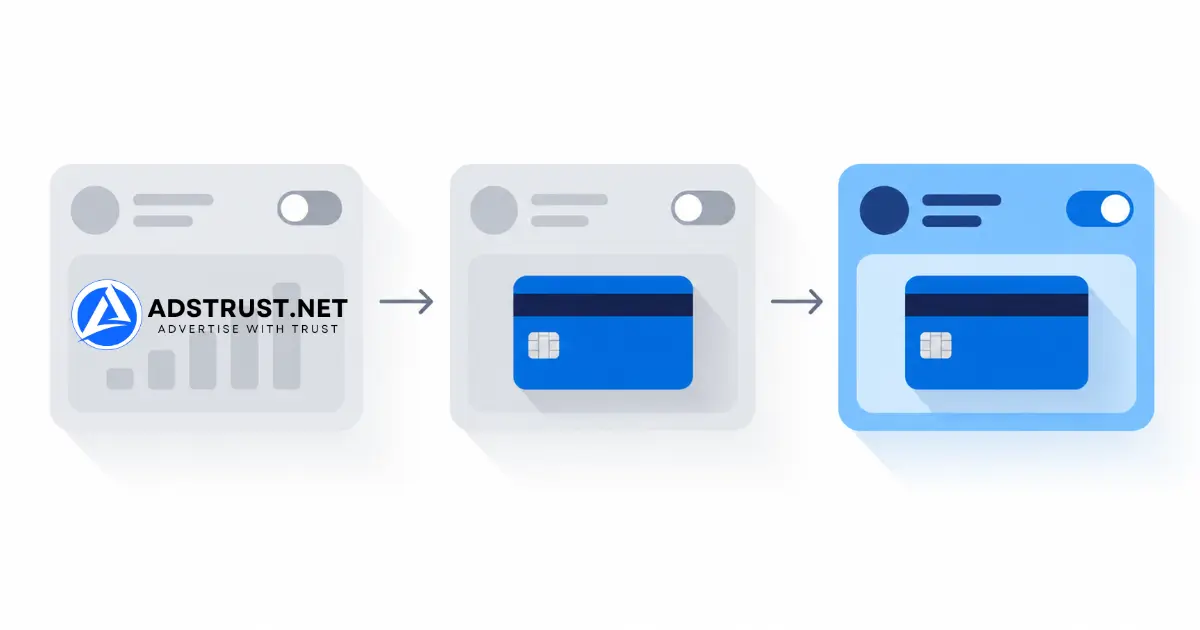
- Deactivate the ad account in Business Settings.
- Add the payment method while it sits deactivated.
- Reactivate the ad account.
The logic is separation. A deactivated account cannot spend, so the card is attached to something dormant rather than to something that could immediately start running budget.
Reactivating afterwards is a second, separate event rather than part of the same burst.
This is the method we reach for most often on accounts that are brand new or recently transferred.
Method 2: Grant Access, Wait, Then Add the Card
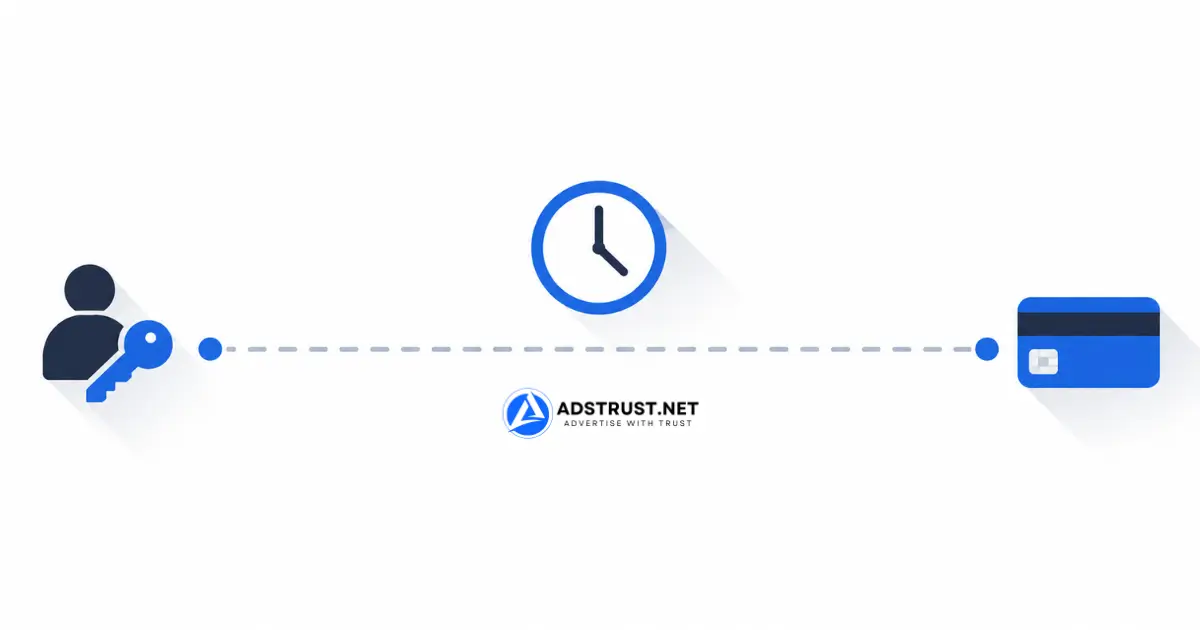
- Give the Facebook profile you will use access to the ad account.
- Wait at least 30 minutes. Close the tab and do something else.
- Add the card from that profile.
This is the simplest of the three and the easiest to get wrong, because the only thing it asks of you is patience.
Access granted and card added within the same minute is one compressed event. The same two actions half an hour apart are two ordinary ones.
Thirty minutes is the minimum we use. Longer does no harm, and on a very new Business Manager we would leave it until the next day.
Method 3: Add the Card Through a Boost Post
- Publish a normal post on your Page from the profile you will use.
- Click Boost Post on that post.
- Add the card during the boost setup, where Meta asks for payment.
This one works differently from the other two. Instead of separating the card from the activity, it attaches the card to a reason.
A person published something, decided to promote it, and was asked to pay. That is the most ordinary sequence on the platform, and the card arrives as a consequence of it rather than on its own.
Post something real. A genuine piece of Page content works better here than an empty placeholder published purely to enable the boost.
Which Method for Which Situation
| Situation | Method we would use |
|---|---|
| Brand new or just-transferred ad account | Method 1, deactivate first |
| Adding a card from a profile you just gave access to | Method 2, wait before adding |
| Page already has real content and activity | Method 3, boost a post |
| Established account with spend history | Any of them, the risk is much lower here |
These are not mutually exclusive. On a new account we would combine them: grant access, leave it, deactivate, add the card, wait, reactivate.
What Matters More Than the Method
Sequencing helps. It does not rescue a card that does not fit the account.
- Billing details should match the business on the Business Manager. A mismatch between the name on the card and the entity on file is a stronger signal than any timing trick.
- The card should work. A declined first charge on a new account is one of the worst openings available.
- Stop swapping cards. Repeatedly changing payment methods reads as instability.
- Keep the location consistent. A card, a profile, and a login location that disagree with each other invite a closer look.
- Do not stack changes. Card, new ad account, new Page and new user in one session is the pattern to avoid regardless of method.
If you get those right, the method matters less. If you get them wrong, no sequence saves you.
Being Clear About What This Is
Every step described here happens inside Meta’s own interface, using features Meta built. Deactivating an account, granting access, and boosting a post are all normal operations.
What changes is order and spacing, not what you are doing.
The goal is to avoid a false positive, where an automated check reads a legitimate setup as suspicious because it arrived too fast and with no context.
Two things this does not do, and we would rather say so plainly.
It does not help an account that is already restricted. If yours is, the relevant pages are our ad account appeal service and the appeal guide.
It also does not make a problematic payment method acceptable. Nothing here is a workaround for a card that should not be on the account in the first place.
Meta does not document any of this as recommended practice. It is what we do across the accounts we handle, offered as experience rather than as policy.
After the Card Is On
The card is not the finish line. The first spend is the next signal.
Launching at full budget immediately after attaching payment undoes the care you just took. Start low and climb.
Our day-by-day warm-up schedule covers the first two weeks, and spending limits explained covers how the ceiling moves once you have a payment history.
If the account is one you have just bought, the broader sequence is in warming up a Business Manager properly.
FAQ: Adding a Payment Method to a Facebook Business Manager
Why does adding a card sometimes trigger a review?
Because it is the moment an account becomes able to spend, so it gets checked along with the context around it.
A card appearing on an account with no history, minutes after access was granted, is the pattern that reads as automated.
Which method is safest for a new ad account?
Deactivating the account first, adding the card, then reactivating. The card attaches to something that cannot spend yet.
On a very new Business Manager we would also leave a gap before reactivating.
How long should I wait after granting access?
Thirty minutes is the minimum we use. On a fresh Business Manager, waiting until the next day is better.
There is no downside to waiting longer, and the two actions landing in the same minute is exactly what you are avoiding.
Does the Boost Post method need a real post?
It works better with one. The point of the method is that the payment arrives as a consequence of genuine activity.
An empty placeholder published only to unlock the boost gives you the mechanics without the context.
Should the card be in the business name?
Matching the billing details to the business on the Business Manager is the single most useful thing on this page.
A mismatch between the card holder and the verified entity carries more weight than any sequencing choice.
Can I add several cards at once?
We would not. Multiple payment methods added in one session on a young account is the kind of stacking that draws attention.
Add one, let it take a successful charge, and only then consider a backup.
Will this stop my account being restricted?
No, and we are not going to claim it will. It reduces the chance of a false positive at one specific moment.
What you advertise and how fast you scale matter far more over any longer period.
What if the account is already restricted?
None of this applies. Changing the payment method on a restricted account does not lift the restriction.
Deal with the restriction first, then the payment method.
The common thread across all three methods is the same: give the action context, and leave space around it. That is most of what separates a quiet setup from a flagged one.
Written by Victor Kwang, Meta advertising specialist and blog lead at AdsTrust Global Pte. Ltd., Singapore. See more from Victor on the author page.